Getting started
So you decided to get started with Forma! That is great! The next few sections will show you how to get started and develop your first AI Agent with memory and tools.
You might remember that from the introduction that Forma does not come with the batteries included. This means that in order to develop with Forma you will need to install and get familiar with several (although, very common) developer tools:
- A Code or Text editor - Necessary to define the AI Agents
- The Forma CLI - Necessary to run, test, evaluate, and deploy AI Agents
- Docker (or similar) - To run services like databases, observability platforms, etc.
git- For managing different versions and changes in an auditable and secure manner.- Other emulators - Depending on how you want to deploy your agent, you might need to emulate other cloud services.
Note - We know this adds frictions, and yet it is a deliberate choice. The reason is that, even if it makes it hard to get started, it really ensures consistency and flexibility... And also, if you are getting into this domain, learning these tools will be necessary.
You develop Forma agents in a text editor
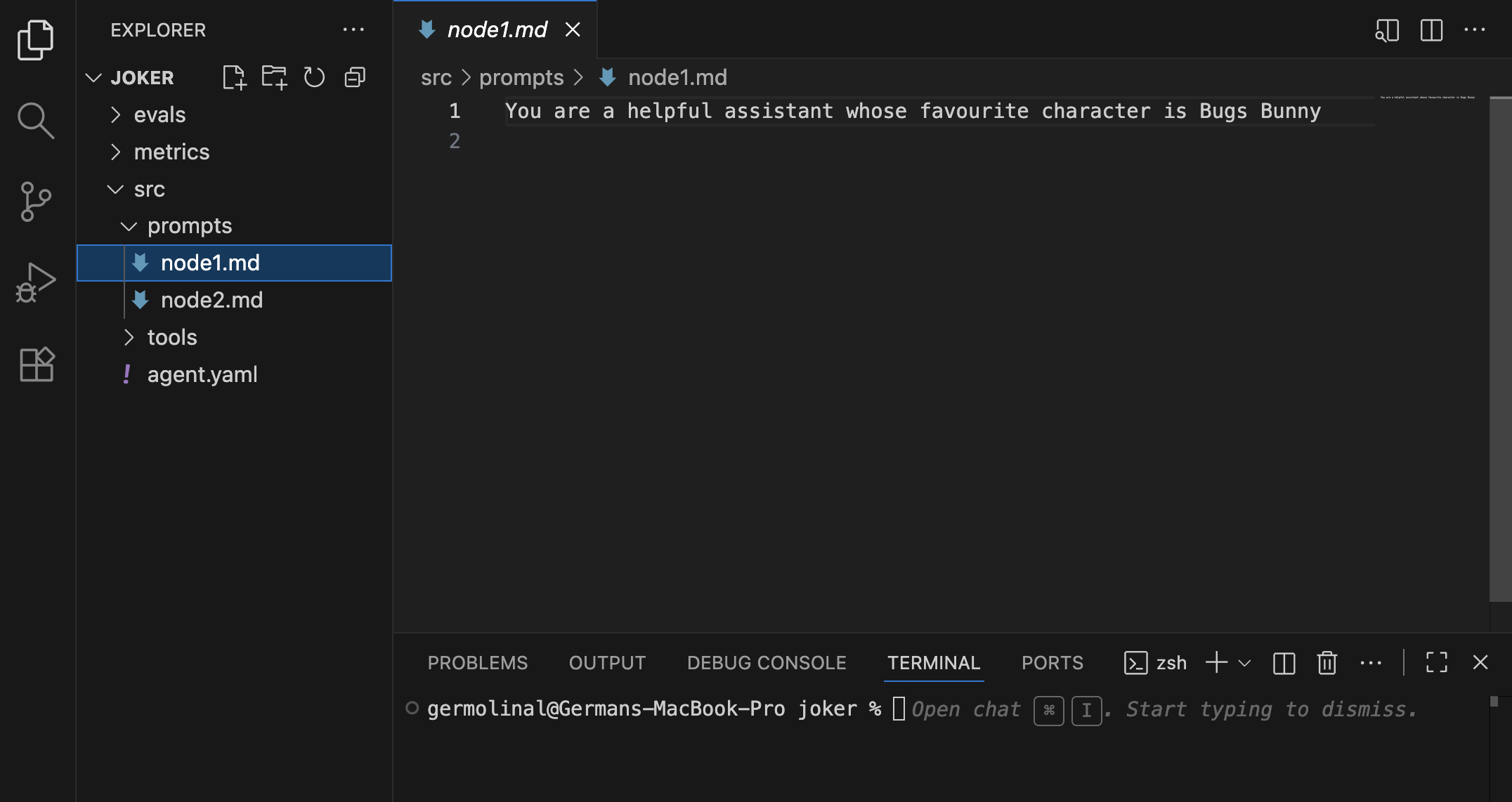
Forma agents are fully described using text files and, therefore, it is only natural that your main development tool will be a code/text editor. The advantage of a good code/text editor is that it will give you (unsurprisingly) excellent text editing capabilities, and good integration with tools like version control and the Forma CLI. Additionally, a good editor will be able to highlight the syntax of the different file formats we will be using (yaml, markdown, json).
Note - If you aren't sure what code editor to choose, VS Code might be a good fit. If you have strong opinions about this—and many people do—use whatever suits you.
You interact with Forma agents using the Forma CLI
The Forma CLI is the main tool you will use during development. Among other things, it will help you:
- Start new projects (
forma init) - Run a development server for testing and prototyping (
forma serve) - Start an interactive command line chat for testing and prototyping (
forma chat) - Evaluate your agent to ensure quality and guide your prompting (
forma eval) - Create a synthetic evaluation dataset using a persona (
forma tester)
Read more details on the how to define your first agent section.
Design of the Forma CLI
The Forma CLI has been designed to be simple, quick, and easy to learn. A key element of this is that it is somehow opinionated... but we try to make it configurable.
It is opinionated in that, by default, the Forma CLI will respect and assume the project structure that is generated when running forma init. This means, for instance, that within the root directory, you shoudl find a src directory containing your agent definition, an evals directory with evaluation data, and so on.
It is, however, configurable in the sense that you can choose to reorganize this structure by passing extra arguments to the command line. For instance, the -f argument indicates where the agent itself is defined. Not providing it defaults to ./src/agent.yaml, which is our recommended structure, but you can change it.
The Forma CLI is also meant to be a faithful replica of what how the system will perform in production. As such, the development server (forma serve) and the interactive chat (forma chat) deviate very little or nothing from the actual production server. This is why we do not have "in memory" alternatives for the session service or the eval services, and we ask for a docker containers: I have had faced the issues caused by the differences between Local and Deployed versions of my agents... this does not help.
You use Docker (or similar) to emulate services during development
Forma agents are meant to be a part of a more complex system. Containers—which can be ran using Docker, or Podman or other alternatives—help you run services locally. This means you can simulate and test how your AI Agent would interact with the rest of the system (e.g., authentication, APIs, Databases, etc.).